SEO28 Oct 20267 min read
Google Recommends Blocking Indexing of Link-Shared Content
Google recommends blocking search engine indexing for user-generated pages designed for direct sharing rather than public discovery. Learn how to protect your website from spam and manage indexing with practical SEO best practices.
By Ayesh Zubair
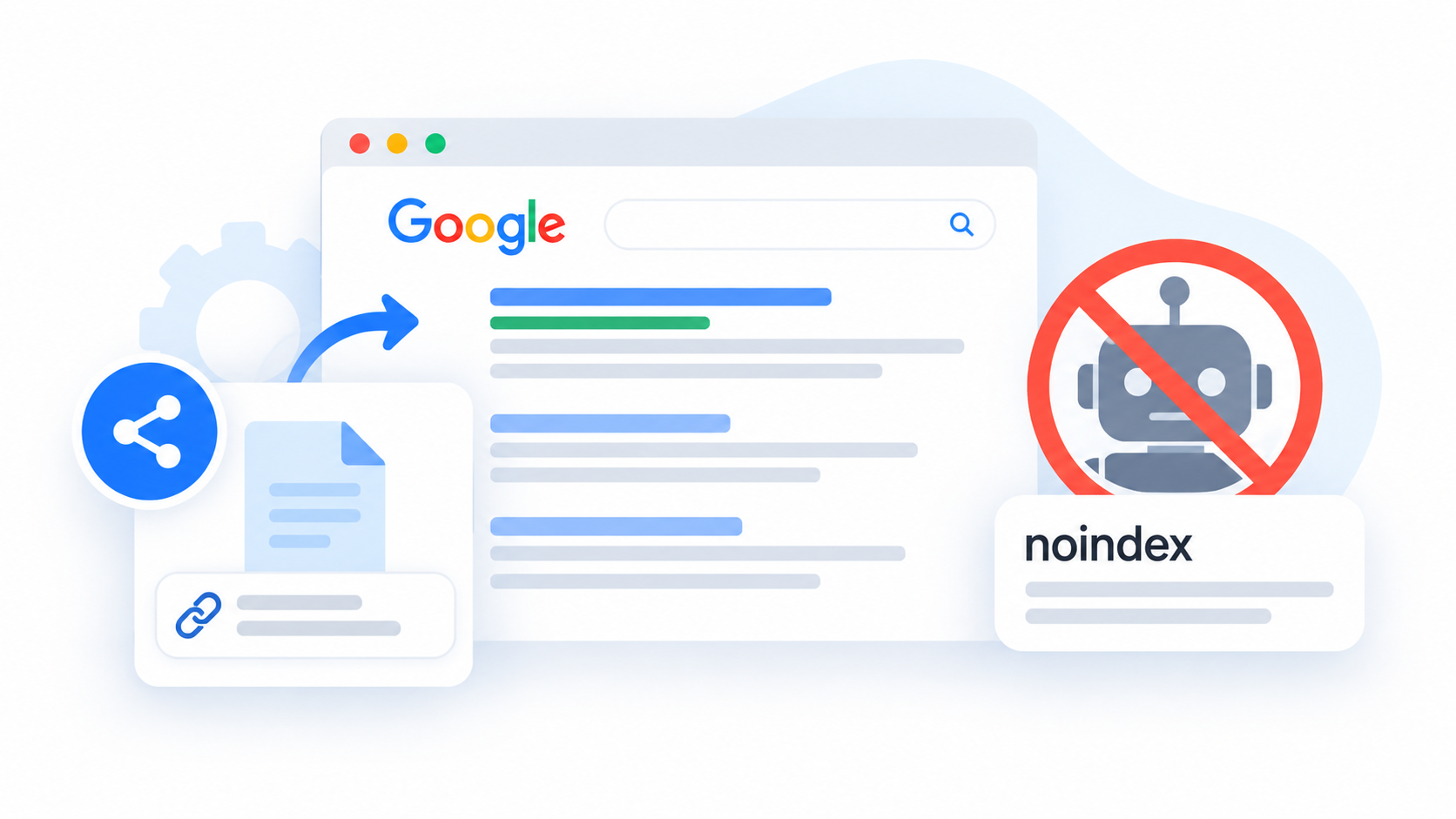
Google has updated its guidance for websites and platforms that allow users to create shareable pages, generated content, and interactive web applications. The updated recommendations encourage website owners to prevent certain pages from appearing in Google Search when they are designed for direct access through a link rather than public search discovery.
The guidance is part of Google's efforts to help website owners prevent user-generated spam and identify abuse earlier. It is particularly relevant for SaaS platforms, collaboration tools, AI-powered applications, and websites that allow users to generate pages dynamically.
In this article, we explain what Google's guidance means and how website owners can apply it without affecting their important SEO pages.
What Has Google Changed?
Google updated its documentation on preventing user-generated spam to address platforms that let users publish shared pages, generated outputs, and web applications.
These features can be useful, but they may also be exploited by spammers who create large numbers of low-value pages. Such pages can violate Google's spam policies and offer little value to users.
Google has introduced a section focused on indexing only content intended for Search. The guidance recommends evaluating whether user-created pages should be discoverable through search engines or accessible only to people who already have a link.
This distinction is important because not every page created on a website needs to be indexed by Google.
Why Does Google Recommend Blocking Some Shared Pages?
Many websites allow users to create content automatically. Examples include:
- Private collaboration and document-sharing pages
- AI-generated outputs shared through unique URLs
- Temporary pages created for specific tasks
- Interactive tools intended for direct use
- User-generated pages that are not designed for public discovery
These pages may be valuable to the people who create or receive them. However, they may not provide enough standalone value to justify appearing in search results.
If a platform allows unlimited page creation without appropriate safeguards, spammers may exploit the system to publish large volumes of unwanted content.
Preventing unnecessary pages from being indexed can help website owners manage their search presence and reduce opportunities for abuse.
How to Prevent Link-Shared Content From Being Indexed
Website owners can use several technical methods to control whether search engines index pages. The right approach depends on how the website works and whether the pages need to remain accessible through direct links.
1. Use a Noindex Meta Tag
The
noindex robots meta tag tells search engines not to include a page in their search results once the directive has been discovered and processed.Example:
<meta name="robots" content="noindex">
This approach is suitable for pages that users need to access directly but that should not appear in organic search results.
Make sure Google can crawl the page to discover the directive. Blocking the URL in
robots.txt may prevent Google from reading the noindex tag.2. Use an X-Robots-Tag HTTP Header
For dynamically generated pages or application endpoints, website owners can use the
X-Robots-Tag HTTP response header.Example:
X-Robots-Tag: noindex
This method is useful when indexing rules need to be managed at the server level or applied to resources that do not use standard HTML pages.
Choose the implementation that best fits your website's technical architecture.
3. Use Robots.txt Carefully
Google also mentions blocking crawling in
robots.txt as an option for pages intended for direct access rather than search discovery.However, crawling restrictions and indexing restrictions are not the same thing.
A URL blocked in
robots.txt may still appear in search results under certain circumstances if Google discovers it through external links or other signals. Google also cannot read a noindex directive on a page it cannot crawl.If your goal is to remove a page from search results through
noindex, ensure Google can crawl the page and process the directive.4. Choose the Right Method for Your Website
Before implementing indexing controls, identify the purpose of each page type.
For example, a public article should generally remain eligible for indexing if it provides useful information and is intended to attract organic traffic. A temporary AI-generated response shared with a colleague may not need public search visibility.
The objective is to keep useful content discoverable while preventing unnecessary pages from appearing in search results.
How to Monitor User-Generated Content in Google Search Console
Technical controls are only part of the solution. Website owners should also monitor their platforms for unusual activity.
Google recommends verifying the website or relevant subdomain in Search Console and regularly reviewing indexing and search performance reports.
Review the Page Indexing Report
Check for unexpected increases in indexed pages. A sudden spike may indicate that your platform is exposing more URLs to Google than intended.
Investigate new URL patterns and determine whether those pages should be available in search results.
Monitor Search Performance
Review impressions, clicks, and search queries for unusual changes.
If your platform suddenly starts appearing for unrelated search queries, investigate the pages receiving those impressions. They may reveal indexing problems or spam activity.
Track Page Creation Patterns
Monitor how many pages users create and how many become eligible for indexing.
Pay particular attention to situations where a small number of users generate a disproportionate share of indexable URLs.
Automated alerts can help your team identify unusual activity before it becomes a larger problem.
Review Manual Actions and Security Alerts
Keep an eye on Search Console notifications for manual actions or security issues. Investigate unexpected warnings promptly and follow Google's recommended remediation steps.
Regular monitoring helps website owners identify potential abuse and respond before it affects the wider platform.
Should You Block All User-Generated Content?
No. Google's guidance does not mean every user-generated page should be blocked from Search.
The right approach depends on the purpose and value of each page.
For example, an open community forum may contain valuable discussions that people actively search for. Public documentation created by users may also answer questions and attract relevant organic traffic.
On the other hand, a temporary AI response shared with a colleague may have no reason to appear in public search results.
Consider these examples:
- Public articles and community discussions: Evaluate them for indexing when they offer genuine value.
- Public landing pages: Keep them eligible for indexing when they are intended to attract organic traffic.
- Private collaboration pages: Apply appropriate access controls and prevent unwanted indexing.
- Temporary shareable outputs: Consider using
noindexwhen public discovery is unnecessary. - Spam pages: Investigate the cause and implement suitable safeguards.
- Internal utility pages: Usually keep them out of search when they have no public search purpose.
The goal is to make indexing decisions based on each page's intended purpose rather than applying a blanket rule across the entire website.
What This Means for SEO Professionals
SEO professionals should include user-generated content and dynamically created URLs in their technical SEO audits.
Start by reviewing which URL patterns are currently indexed. Compare them with the pages that are intended to attract organic traffic.
If a website has user-generated features, consider these actions:
- Identify pages created for private sharing or temporary use.
- Review indexable URL patterns and remove unnecessary indexing opportunities.
- Implement suitable
noindexdirectives where appropriate. - Confirm that important landing pages and content remain accessible to search engines.
- Monitor Search Console for unexpected indexing growth.
- Establish safeguards against automated spam and bulk page creation.
Avoid making large-scale indexing changes without first understanding the role of each page type. Accidentally blocking valuable category pages, articles, or landing pages can harm organic visibility.
Final Thoughts
Google's updated guidance highlights an important technical SEO principle: pages should be indexed when they serve a meaningful purpose in public search.
Websites that let users create shareable pages, generated content, or interactive tools should evaluate whether those pages are intended for search discovery or direct access only.
By using appropriate indexing controls, monitoring Search Console, and tracking unusual page creation activity, website owners can reduce unnecessary indexing and strengthen their defenses against user-generated spam.
The best strategy is not to block every user-created page. It is to ensure that useful public content remains discoverable while private, temporary, or low-value pages stay out of search results when appropriate.

About the author
Ayesh Zubair
Founder of Scalviro · Digital Marketer
Ayesh Zubair is the founder of Scalviro, providing SEO, Google Ads and Meta Ads management. He writes about search visibility, paid advertising and digital marketing strategies for businesses.